Sort your trips
Business or personal? Let your assistant work it out
If you've used a mileage app, you know reviewing trips can take hours. Set your rules with your AI assistant, connect apps that know where you've been, like your calendar, and what's left to review is the few trips it can't place.
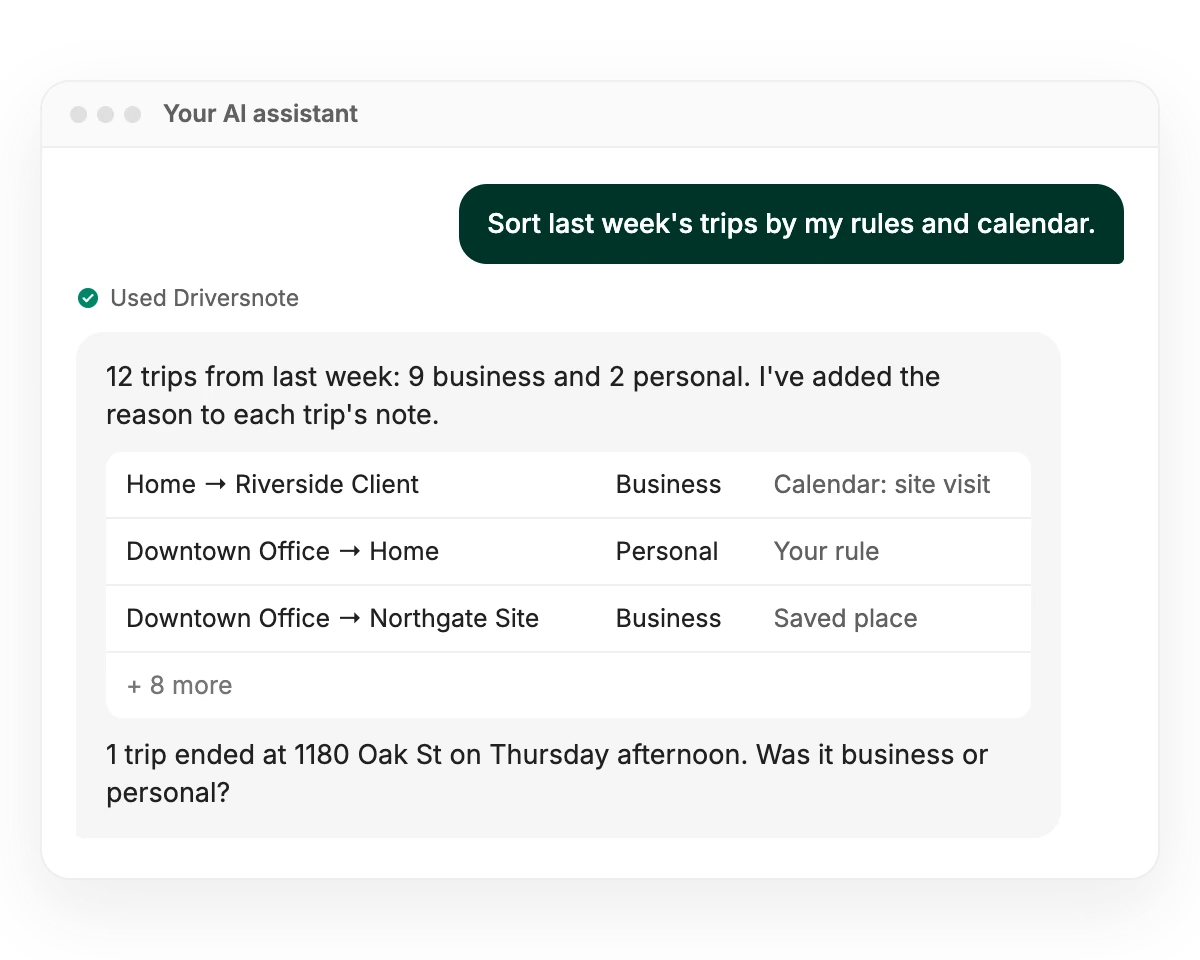
How your assistant tells business from personal
Your assistant can draw on the apps you've connected to it, not only Driversnote.
Your own rules
Tell it once: "Everything to Acme is business" or "Weekends are personal".
Your saved places
Your clients, your job sites, the office and home. A trip to a client's address is usually business.
Your calendar
A trip that ends where a meeting starts is probably for that meeting. The meeting goes in the trip's note.
Your other apps
Email, a customer list, a job schedule. If your assistant can reach it, it can use it to work out who you visited.
Sort last week's trips and note who I visited.
Used Driversnote
12 trips from last week: 9 business and 3 personal. I've added the client to the note on each business trip.
1 trip ended at an address I don't recognize, on Thursday afternoon. Was it business or personal?
Tell it what to go by
Name a period and your rules. Your assistant asks when it can't tell. Copy a question to try it.
Sort last week's trips and note who I visited.
Each trip sorted, with who you visited in the note. The unclear ones left for you.
Trips to my customers are business. Evenings and weekends are personal.
Your rules applied, and the trips that fit neither left for review.
Go through my trips waiting for review, mark the ones you can place as reviewed, and ask me about the rest.
A cleared trip inbox, with a short question for each unclear trip.
Go through everything waiting for review since September and mark what you can place as reviewed.
Used Driversnote
58 trips have been waiting since September. I've sorted 51 of them by your rules and saved places, and marked them as reviewed.
7 are left. Want to go through them one by one?
Your trip inbox
Behind on your trips? Catch up in one conversation
Ask your assistant to go through weeks of waiting trips in one go. It sorts the ones it's sure about and marks them as reviewed, and you only answer for the few it can't place.
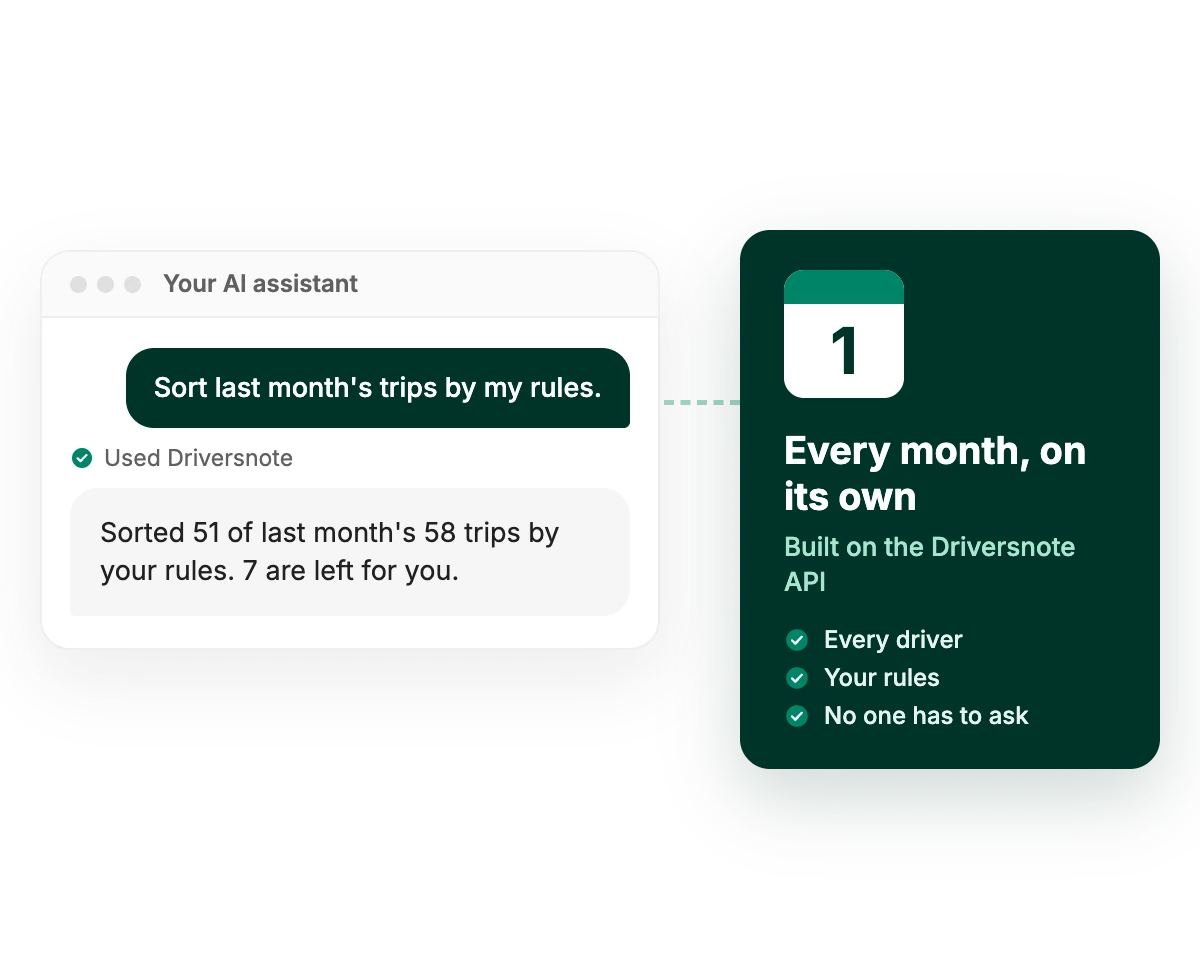
Open API
Build your own integrations
Start with Driversnote MCP and try the workflow in your AI assistant first. When you want it to run on its own every month, or at scale, you can build it on our open API. The API comes with all paid Driversnote plans. Tell us what you'd like to build.
You stay in charge
Your AI assistant suggests. You decide.
More you can do with your assistant

Bring in trips from Google Timeline, a spreadsheet or another mileage app. For a team, it means records ready for whoever needs them.

Get approved mileage into payroll and accounting, create reports for your accountant, or dig into your team's numbers.

Frequently asked questions
Add Driversnote to your AI assistant, then ask it to sort a period: last week, all of October or everything waiting in your trip inbox. It goes by your rules first, then your saved places, your calendar and the other apps you've connected. Trips it can't place are left for your review, with a short question about each, and you can change any trip from your phone or the web.
Any calendar or app your assistant is connected to, such as Google Calendar, Outlook or your email. Driversnote doesn't need access to them. Your assistant reads them and uses what it finds to sort your trips.
Yes. It can also set the workplace, vehicle, tag, note and the places a trip started and ended.
Spend less time reviewing trips
Add Driversnote to your AI assistant and ask it to sort last week's trips.